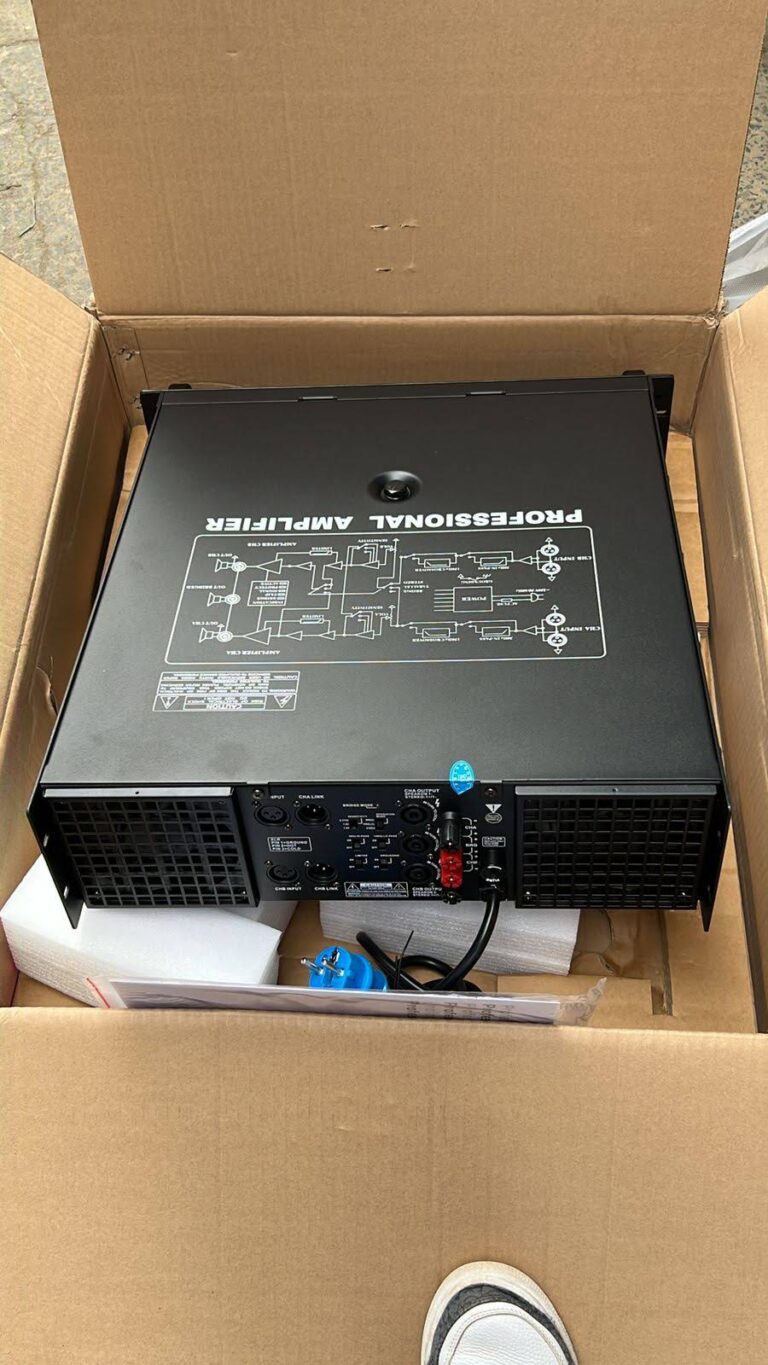
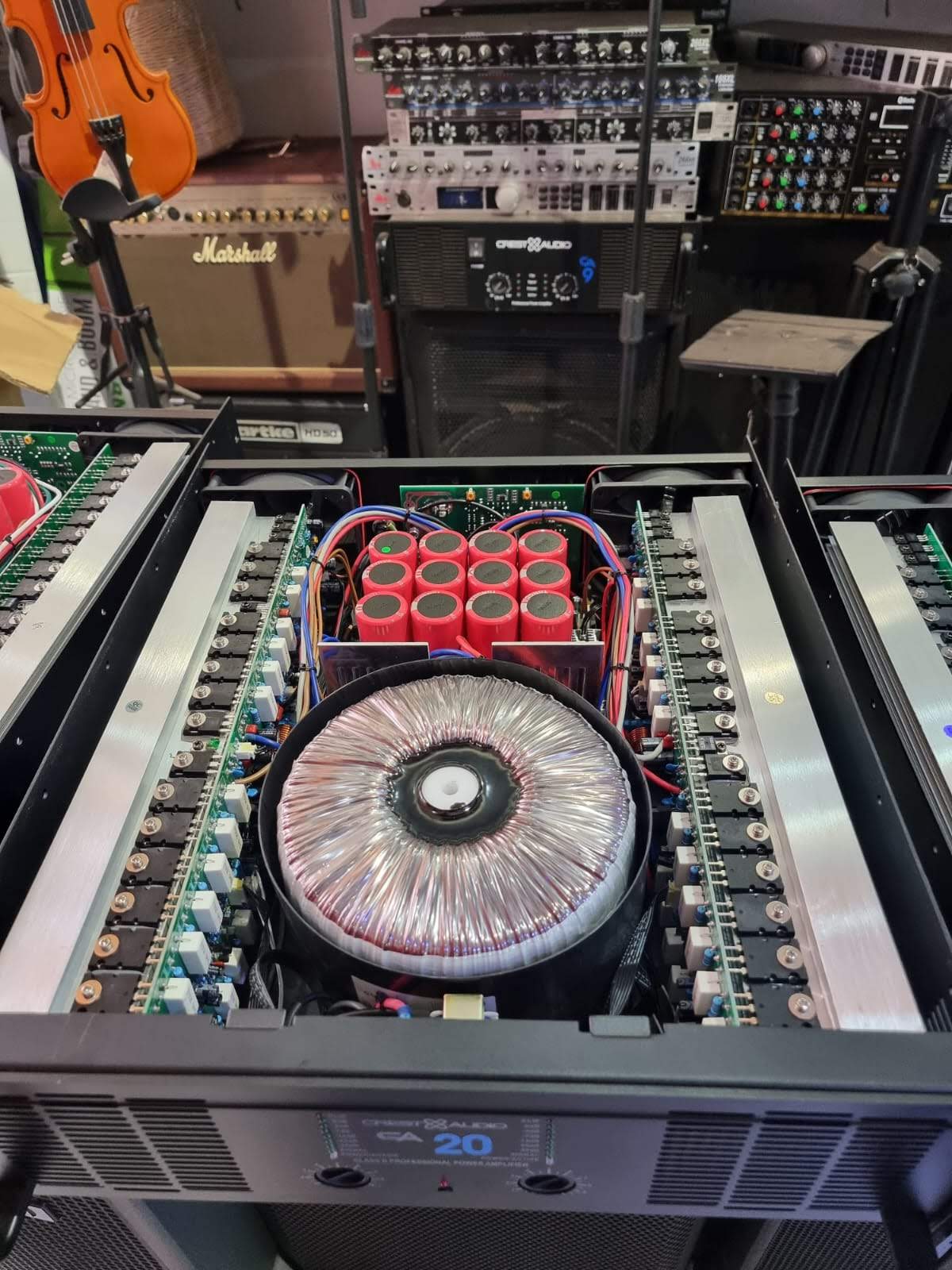
Why Your Power Amplifier Keeps Cutting Out (And How to Fix It)
| KEY FACTS• Power amplifiers cut out due to overheating, impedance mismatch, clipping, gain issues, or faulty cabling.• Thermal protection is the most common culprit and almost always a symptom of a deeper problem.• Most cut-out issues can be diagnosed and fixed without replacing the amplifier.• This guide walks you through every cause systematically, from the simplest checks to the advanced fixes. |
Stop guessing your amp-speaker pairing; instantly calculate impedance matching, power headroom, and SPL targets for your setup using our power amp calculator, with over 10k happy users.
There is almost nothing more stressful in live sound than your amplifier cutting out mid-event. One second, everything is running smoothly, the next silence. The crowd turns around. The pastor stops mid-sentence. The band keeps playing to nothing. And you are standing at the rack, hands on your amp, trying to figure out what just happened.
I have been there more times than I care to count. Over seven years working live events outdoor concerts, church services, corporate shows, amplifier cut-outs have caused me some of the most panicked moments of my career. But they have also taught me something important: amplifiers do not cut out randomly. Every time it happens, there is a reason. And once you understand those reasons, you can diagnose and fix the problem and usually prevent it from happening again.
This guide covers every major cause of power amplifier cut-outs, how to identify which one is affecting your setup, and exactly what to do about it. No vague advice. Just the real systematic approach that works in the field.
How to Tell the Difference: Temporary Cutout vs. Complete Failure
Before diagnosing anything, you need to understand what kind of cut-out you are dealing with. The behaviour of your amplifier tells you a lot about where the problem is coming from.
- It cuts out and comes back after a few minutes: This is almost certainly thermal protection. The amp overheated, shut itself down, cooled off, and restarted. The root problem is heat management.
- It cuts out instantly and does not come back: This points to a protection circuit triggered by a fault — impedance, short circuit, DC offset, or internal failure.
- It cuts out only at high volume: Clipping, impedance mismatch, or power supply limitations. The amp cannot sustain the demanded power.
- It cuts out randomly with no obvious pattern: Loose connections, intermittent internal fault, or signal chain issues feeding the amp a problematic signal.
- It cuts out on one channel only: Almost always a speaker cable or driver fault. One bad load is taking that channel down while the other continues operating normally.
Keep this in mind as you work through the causes below the cut-out pattern is your first diagnostic clue.
Cause 1: Overheating and Thermal Protection
This is the most common reason amplifiers cut out, particularly in live sound environments. Every amplifier has a built-in thermal protection circuit that shuts the amp down when its internal temperature exceeds a safe threshold. This is not a malfunction it is the amplifier protecting itself from permanent damage.
The amp is doing its job. But the fact that it is overheating means something in your setup is pushing it beyond its limits.
Why Is Your Amp Overheating?
- Inadequate ventilation: This is the most frequent cause. Amplifiers are often rack-mounted in flight cases or utility cupboards with the rack doors closed, cable tidies blocking the ventilation slots, or other gear crammed too close on either side. Power amplifiers generate significant heat during operation and they need airflow both to pull cool air in and push hot air out.
- Driving difficult speaker loads: The lower the impedance you are driving, the harder your amplifier works and the more heat it generates. Driving 2-ohm loads, daisy-chaining too many passive speakers, or driving speaker systems that dip very low in impedance at certain frequencies will all cause an amp to run hotter than driving a straightforward 8-ohm load.
- Extended high-level operation: Running your amplifier at near-full output for extended periods — a four-hour outdoor show with non-stop loud levels accumulates heat faster than the cooling system can dissipate it, even if ventilation is adequate.
- Ambient temperature: An outdoor event in midday heat is a very different thermal environment from an air-conditioned venue. High ambient temperatures reduce the efficiency of your amplifier’s cooling, meaning it reaches its protection threshold faster.
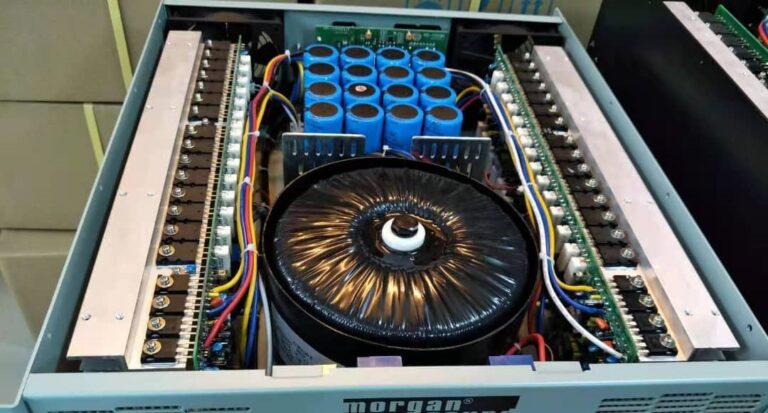
- Fan failure: Most power amplifiers use internal cooling fans. If that fan has failed due to dust buildup, a bearing failure, or just age the amp cannot cool itself properly. You can usually hear this: the fan should be audible when you power on. If it is unusually quiet or absent, the fan may be the problem.
How to Fix Overheating
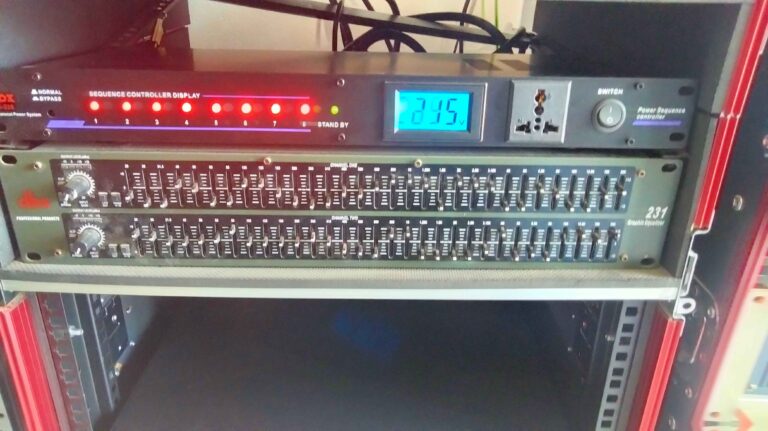
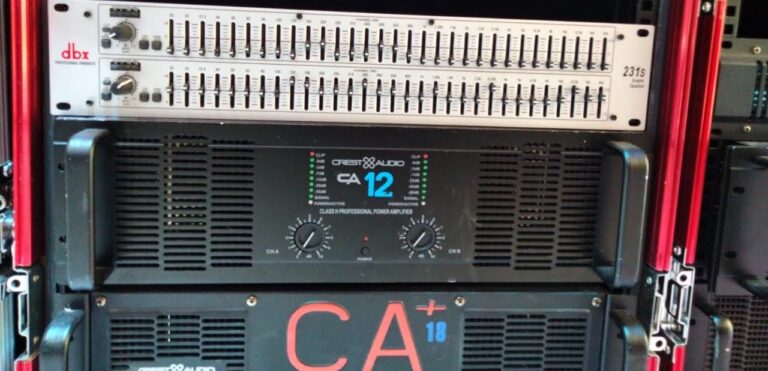
- Check your ventilation immediately. Open your rack case. Look at how your amp is mounted. There should be at least 1U of empty space above and below the amplifier for air circulation. If other gear is butted right against it, rearrange the rack. Never operate an amplifier with the rack case doors closed unless the case has built-in forced ventilation.
- Clean the ventilation grilles. Dust is the enemy. Blocked intake and exhaust grilles dramatically reduce airflow. Use compressed air to blow dust out of the grilles do this before every major event, or monthly if you operate frequently.
- Check that the internal fan is spinning. Power the amp on with no signal and no speakers connected. Listen for the fan. Touch the exhaust grille lightly with your hand you should feel warm air moving. If you feel nothing, the fan may have failed and needs to be replaced.
- Reconsider your speaker loads. If you are driving 2-ohm or 4-ohm loads and suffering repeated thermal shutdowns, consider increasing the impedance. Add a passive crossover, reduce the number of speakers on each output, or switch to speakers with higher impedance ratings. Also check the minimum impedance rating on your amplifier. Many state they can handle 2 ohms, but do not mention that doing so causes significant heat.
- For outdoor events in hot weather, position your rack in shade where possible. A simple canopy or cloth draped over the top of an open rack can make a significant temperature difference in direct sunlight.
Cause 2: Impedance Mismatch
Impedance mismatch is one of the most misunderstood and underdiagnosed causes of amplifier problems in live sound. Every amplifier is rated for a specific impedance range typically 4 ohms or 8 ohms per channel minimum. Drive it below that rating and you are demanding more current than the amplifier’s power supply can cleanly deliver.
What does this feel like in practice? The amp may cut out under load, run extremely hot, produce distorted sound, or in serious cases damage itself or the speakers.
How Impedance Problems Happen in Practice
- Parallel wiring of passive speakers: This is the most common cause. When you connect two 8-ohm speakers in parallel to one amplifier channel, the total load drops to 4 ohms. Three 8-ohm speakers in parallel gives you 2.67 ohms below what many amplifiers can safely handle. Many engineers wire speakers this way without calculating the combined impedance.
- Mixed impedance speakers: Connecting speakers of different impedances in mixed parallel/series configurations can produce unexpected combined impedance values that fall outside the amp’s safe operating range.
- Damaged voice coils: A partially failed speaker driver can present an anomalous impedance to the amplifier — sometimes much lower than its rated impedance — causing the amp to see an unexpectedly difficult load.
How to Diagnose and Fix Impedance Problems
Calculate the combined impedance of your speaker system before connecting it to the amplifier. The formula for speakers in parallel is:
Total impedance = (Z1 × Z2) / (Z1 + Z2) for two speakers, or 1 / (1/Z1 + 1/Z2 + 1/Z3…) for more than two.
Compare your calculated impedance against your amplifier’s minimum rated load. If you are below the minimum, either reduce the number of speakers per channel, rewire some speakers in series to raise the combined impedance, or use a higher-impedance speaker cabinet.
Always use a multimeter to measure the actual DC resistance of your speaker cables and connected loads before a show. A speaker measuring significantly below its rated impedance, for example, a nominal 8-ohm speaker reading 2 ohms on a multimeter, likely has a damaged voice coil and should be replaced.
Cause 3: Clipping and Signal Overload
Clipping occurs when the signal being fed into your amplifier exceeds what the amp can cleanly reproduce. The amplifier tries to output more power than its supply can deliver, the waveform gets flattened at the peaks, and the result is harsh distortion that can trigger protection circuits, overheat output transistors, and damage tweeters.
A power amplifier that is constantly clipping is not just sounding bad it is working itself to death, and eventually it will cut out or fail.
Signs You Are Clipping Your Amplifier
- The clip light on the amplifier’s front panel is lit frequently or constantly
- The sound becomes harsh, raspy, or distorted at high volumes
- Tweeters are blowing repeatedly clipping sends high-frequency harmonics into drivers not designed to handle them
- The amp cuts out specifically when the loudest moments hit
How to Stop Clipping
The solution to clipping is always gain structure. You need to reduce the level going into the amplifier, not turn the amplifier down. Turning the amplifier’s level down does not help if the input signal is already clipping the amp’s input stage.
- Set your mixer output levels correctly. The master fader on your mixer should be at 0 dB (unity gain) or close to it. If you are pushing it above 0 dB to get enough volume, the problem is that your amplifier is undersized for the application, not that you need more fader.
- Adjust the amplifier’s input sensitivity correctly. Most amplifiers have an input sensitivity control (sometimes called gain or level) on the front or rear panel. This should be set so that when your mixer is outputting a clean signal at 0 dB, the amplifier’s clip light just barely flickers on peaks. If it is constantly lit, reduce the sensitivity.
- Use a limiter before the amplifier. Setting a limiter on your mixer’s master output with a threshold set 3 to 6 dB below clipping catches peaks before they reach the amplifier and keeps you in clean territory even during the loudest moments.
Cause 4: Speaker Cable Problems
This cause is embarrassingly simple but is responsible for a surprising number of cut-outs that engineers blame on the amplifier. A bad speaker cable can cause a short circuit, which triggers the amplifier’s short circuit protection and shuts it down — sometimes permanently, in older amps without good protection circuits.
- Inspect your cables visually. Look for damaged insulation, exposed conductors, and bent or corroded connectors. A cable that has been repeatedly coiled, stood on, driven over, or caught in a door will develop internal faults that are invisible from the outside but cause intermittent shorts.
- Test cables with a multimeter. Flex the cable while measuring resistance end to end. A cable with an internal fault will show inconsistent readings as you bend it this is your fault.
- Check your Speakon connectors. The screw terminals inside Speakon connectors loosen over time and with heavy use. A conductor that has come loose from its terminal can intermittently short against the connector housing. Unscrew the connector, check that both conductors are firmly secured in the correct terminals, and reseat the connector.
- Replace suspect cables immediately, not after the show. A cable you know is faulty will fail again, and usually at the worst possible moment.
Cause 5: DC Offset and Internal Protection Circuits
DC offset is an internal amplifier fault where a DC voltage appears on the output. This is hazardous to speakers and to the amplifier itself, and modern amplifiers detect it and shut down immediately. If your amplifier cuts out within seconds of powering on and does not recover, DC offset or an internal fault is a likely cause.
This is not something you can fix in the field. An amplifier showing signs of DC offset or one that cuts out immediately on power-up without any load connected needs to go to a qualified technician for diagnosis and repair. Continuing to operate an amplifier with a DC offset will destroy connected speakers.
Signs this may be your issue: the amplifier’s protect light illuminates immediately on startup, the amp shuts down with no load connected, or you hear a loud thump through speakers when the amp cuts out, rather than just silence.
Cause 6: Mains Power Problems
Inadequate or unstable mains power is a frequently overlooked cause of amplifier cut-outs, particularly at outdoor events or venues with older electrical infrastructure.
- Voltage drops under load: When multiple high-power amplifiers, lighting rigs, and other equipment all draw power simultaneously, mains voltage can drop significantly. Modern switch-mode power amplifiers tolerate a reasonable range of input voltage, but older amplifiers with traditional linear power supplies can struggle when mains voltage drops below their minimum operating range and will cut out.
- Shared circuits with lighting: Professional lighting equipment particularly older dimmer packs — generates significant electrical noise on the mains. This can interfere with amplifier operation and cause unexpected shutdowns. Always use separate circuits for audio and lighting where possible.
- Undersized generator: At outdoor events using generator power, an undersized generator that is already running at or near its rated capacity will produce unstable voltage when additional loads are switched on. The amplifier sees a voltage spike or sag and its protection circuit shuts it down. Always use a generator with significantly more headroom than your calculated total load.
If you suspect mains problems, a simple plug-in mains voltage monitor available for around $20 — will show you exactly what is happening with your supply voltage in real time.
The Systematic Diagnosis Approach: What to Check First
When an amplifier cuts out at a show, you need to diagnose fast and correctly. Here is the order in which to check things:
- Check the front panel indicators. Is the clip light on? The protect light? The signal light? These tell you what the amp’s protection circuit detected.
- Feel the amp’s temperature. Is it unusually hot? If you cannot comfortably hold your hand on the chassis, it has been running too hot.
- Check the speaker cables and connections. Wiggle every cable at every connection point. A fault here can cause an immediate cut-out that looks like an amplifier failure.
- Disconnect the speakers and restart. If the amp starts cleanly with no load connected, the problem is in your speaker system — a shorted cable, a failed driver, or an impedance problem.
- Substitute a known-good cable and speaker. Always carry a spare cable and at least one speaker you know works. Swap them in one at a time to isolate the fault.
- Check the input signal. Connect the amp’s input to a different output on your mixer, or disconnect it entirely. If the amp behaves normally with no input signal, the problem may be coming from the signal chain upstream.
- If nothing above identifies the fault, the amp has an internal failure and needs a technician. Do not continue operating it.
Frequently Asked Questions
Can I fix an amplifier that keeps cutting out without sending it to a technician?
Most of the common causes — overheating, impedance mismatch, clipping, cable faults, and gain problems — can be diagnosed and corrected without any technical repair work. However, internal faults like failed transistors, capacitor failure, or DC offset require a qualified technician with the right test equipment.
How hot is too hot for a power amplifier?
Most amplifiers are designed to operate safely up to 70–80°C internally. If the chassis is too hot to touch comfortably (above about 50–60°C on the outside), the internal temperature is likely approaching or exceeding the thermal cutout threshold. Improve ventilation before continuing operation.
My amplifier cuts out only during the bass frequencies. What does that mean?
Bass frequencies demand significantly more power from an amplifier than mid and high frequencies. If cut-outs happen specifically on heavy bass content, your amplifier is likely undersized for your subwoofer system, or your subwoofer has a low impedance dip at bass frequencies that is stressing the amp’s output stage. Consider a more powerful amplifier or a higher-impedance subwoofer configuration.
Is it safe to keep running an amplifier that cuts out and restarts by itself?
Technically, the protection circuit is doing its job, but running an amplifier in a cycle of overheating and cutting out is not a sustainable situation. The repeated thermal stress shortens the amplifier’s lifespan and increases the risk of a component failure that is not recoverable. Fix the root cause — do not treat the protection circuit as an acceptable workaround.
How can I prevent cut-outs at future events?
Carry out a pre-show checklist every time: check cable condition, calculate speaker impedance, confirm ventilation in your rack, set gain structure correctly, and test the system at full operational level before the audience arrives. Most amplifier cut-outs are preventable with proper preparation.